A microphone not working can be frustrating, especially during Zoom meetings, online classes, gaming, or recording sessions.
Sometimes the mic completely stops working, sometimes the audio is too low, and sometimes you face issues like cutting out or errors.
This guide explains the real reasons behind microphone problems and how to fix them quickly without technical confusion.
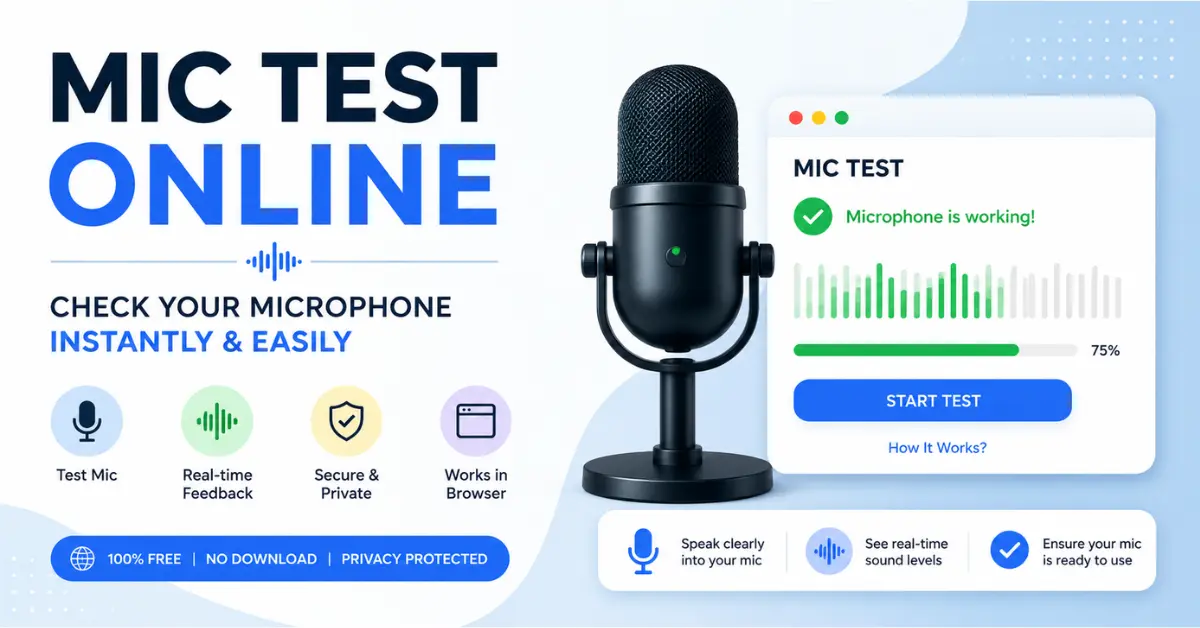
If you want to quickly check whether your microphone is working, you can use our Mic Test Tool before trying the troubleshooting steps.
Common Reasons Why Your Microphone Is Not Working
Here are the following reasons:
Browser or App Permission Blocked
Most microphone issues happen when the browser or app does not have permission to access your mic.
Example:
- No audio input
- Mic test shows no movement
- Error message appears
Microphone Is Being Used by Another App
Apps like Zoom, Discord, or Teams can lock the microphone in the background.
Result:
- Mic not detected
- Audio cutting out
- Mic not available for other apps
Wrong Input Device Selected
Sometimes your device selects the wrong microphone -built-in vs headset
Microphone Disabled in System Settings
If microphone access is disabled in Windows or macOS, no application will detect it.
Audio Driver Issues
Outdated or corrupted drivers can prevent microphone functionality.
Hardware Problems
If nothing works, the microphone or cable may be physically damaged.
How to Fix Microphone Not Working
- Allow microphone permission in browser settings
- Close all apps using mic
- Select correct input device
- Update audio drivers
- Restart your device
- Test mic again using an online mic checker
Best Way to Confirm Mic is Working or Not
The fastest method is to run an online microphone test:
- Speak into the mic
- Check waveform movement
- Verify audio input in real time
Conclusion
In most cases, microphone issues are not serious. They are caused by settings, permissions, or wrong configuration.
A professional and quick mic test tool can identify the problem in no time.